Google Chrome Menu Gets an Update: Search Functionality Added
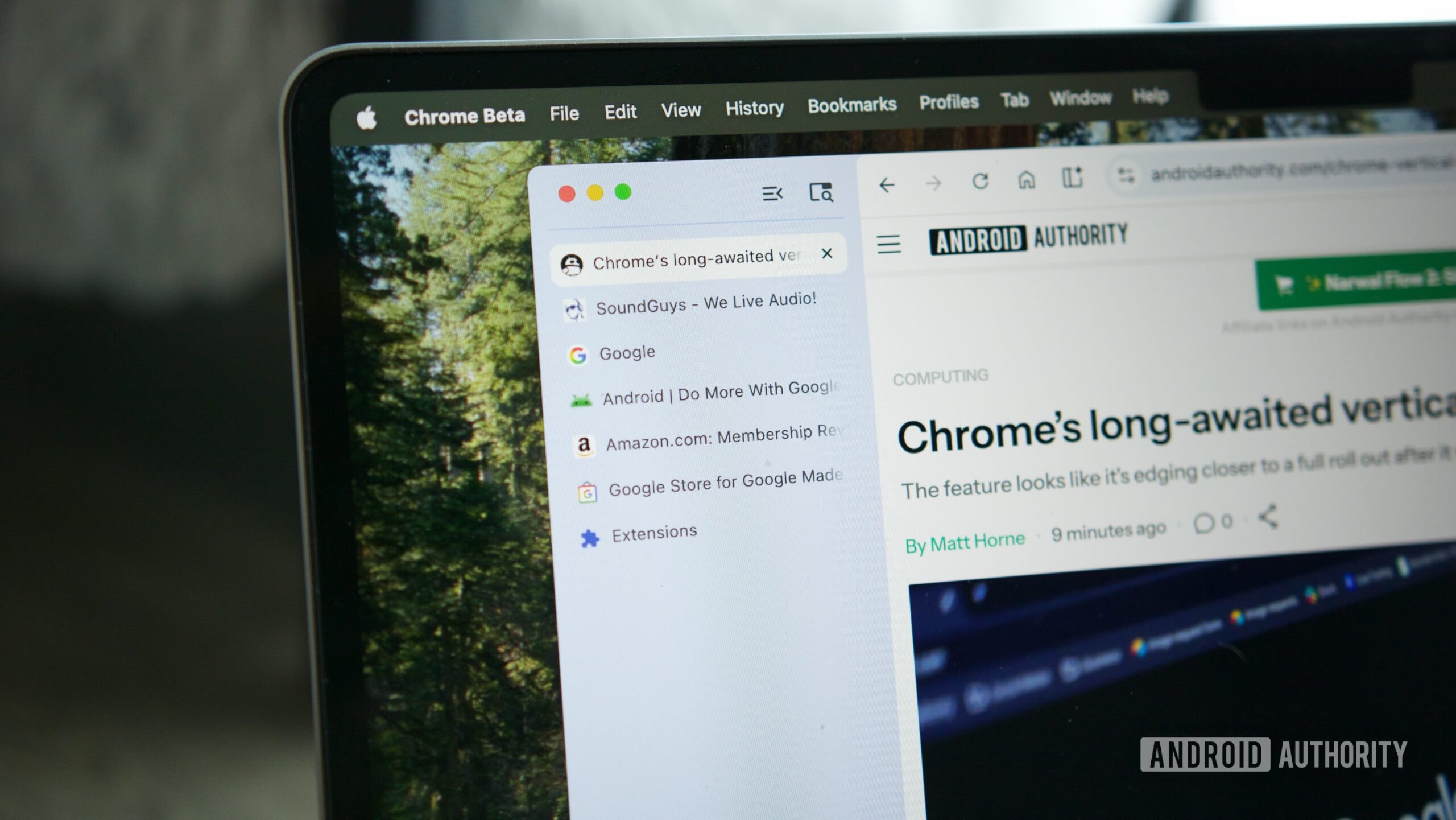
The familiar three-dot menu in Google Chrome, which serves as the browser's main control panel, is set to undergo significant changes. For years, this menu has been something of a labyrinth, where locating specific settings often required time and patience. Google has now decided to address this issue with an integrated search system.
What is changing in the Chrome interface?
In the latest update to Chrome Canary, the browser's test version, a functional search bar has appeared directly at the top of the menu. While similar fields in the past were purely visual, this one is fully operational. Users can type a search term and instantly receive results from browser commands, saved bookmarks, and recently visited webpages.
In addition to the search capability, Google is experimenting with the menu's visual design. The test version features an updated, block-based structure that displays information more clearly and orderly. A special scrollbar and a fixed footer have also been added, making menu navigation more intuitive. These changes aim to save users time, ensuring they no longer need to search through numerous submenus to find the desired function.
When will the update be available?
At this stage, the new design and search functionality are only available to Chrome Canary users. This is the browser's earliest and most unstable version, where Google tests new ideas. The company has not yet confirmed when these features will appear in the stable version of Chrome intended for the general public.
It is worth noting that while Google frequently conducts such experiments, not all of them make it into the final product. Nevertheless, adding a search function to the menu is one of the most requested changes, which would make using the browser much more efficient. For users who work in Chrome daily, this improvement will significantly simplify navigation through complex settings, especially when dealing with the browser's advanced features.