eGPU vs. Integrated Laptop Graphics: What You Need to Know
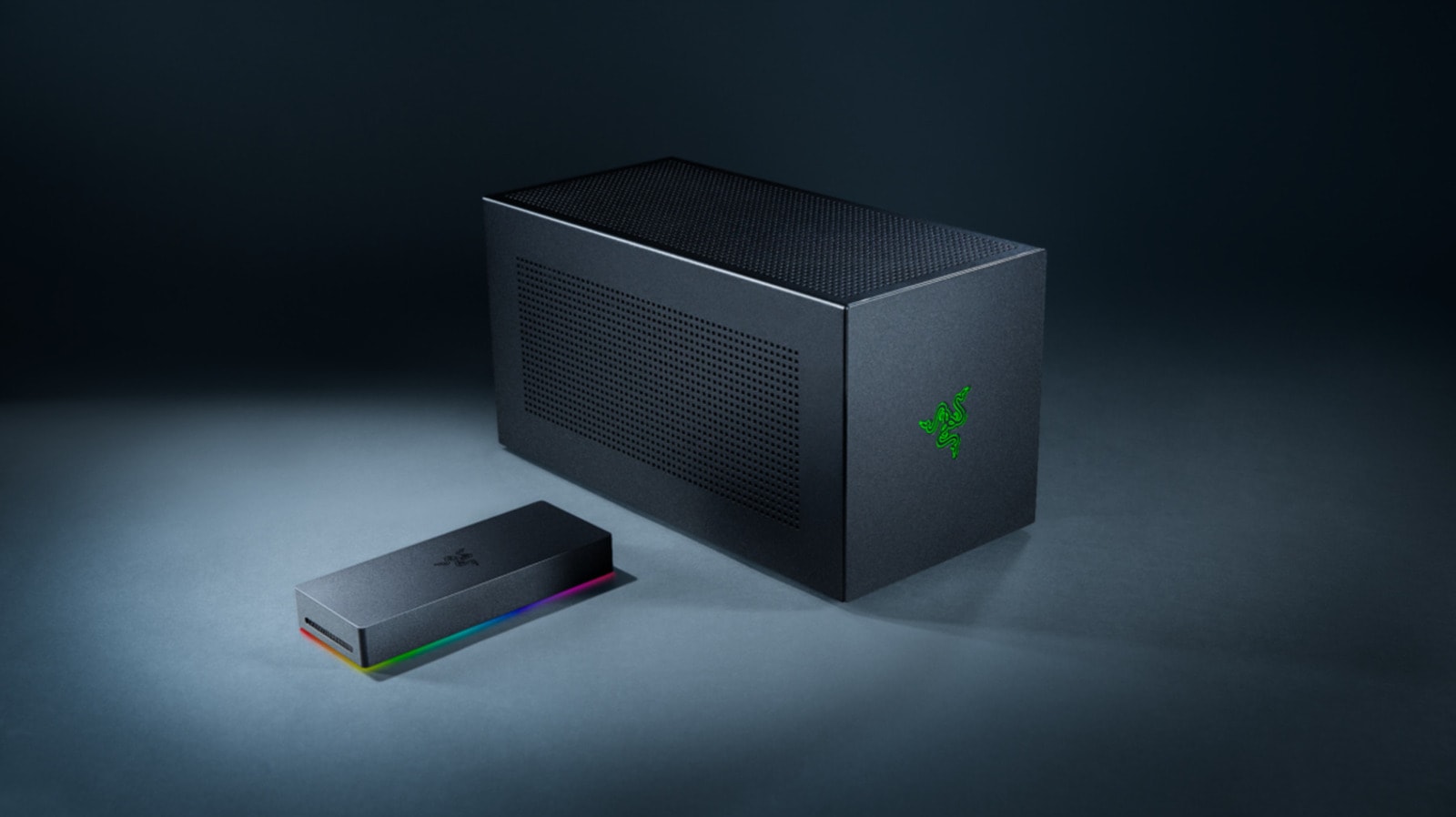
Many users face a common dilemma: whether to invest in a powerful desktop PC or rely on a laptop that offers portability but lacks graphical power. External GPUs (eGPUs) were designed to solve this exact problem. The concept is straightforward: you connect a desktop-grade graphics card to your thin and light laptop via a cable, transforming it into a gaming or workstation rig. However, in practice, the process is far more complex than simply plugging in a cable.## The Bandwidth BottleneckThe primary barrier to using an eGPU is data transfer speed. A laptop's internal graphics card is connected directly to the motherboard via a PCIe bus, ensuring near-instant data exchange. In contrast, eGPUs rely on Thunderbolt or USB4 ports. While Thunderbolt 4 and 5 standards offer impressive speeds, they still create a bottleneck. For instance, the 40 Gbps bandwidth of Thunderbolt 4 cannot fully match the speeds utilized by internal components.Furthermore, desktop and laptop graphics cards differ radically in technical capability, despite sharing similar names. A desktop version of an NVIDIA RTX 5090 possesses significantly more CUDA cores and memory than its laptop counterpart. When you connect such a powerful card externally, the cable's bandwidth is often insufficient to handle the volume of data the card was designed to process.## Additional Costs and Practical ChallengesUsing an eGPU is not always economically sound. The enclosure alone, which houses the graphics card, costs approximately $350, and it often excludes the GPU and power supply unit. Unless you already have a powerful graphics card at home to repurpose, investing in this technology becomes quite expensive.It is also important to note that when displaying images on a laptop screen, data must travel across the same cable twice: once for processing and again to be rendered on the display. This further reduces performance, which is why experts recommend connecting an external monitor directly to the graphics card. Ultimately, an eGPU system compromises its main advantage—portability—as you are forced to carry around a bulky enclosure, power supply, and cables.## What Should You Consider?If your goal is maximum performance, a desktop PC remains the best choice. However, if you already own a laptop and want to expand its capabilities, carefully consider whether an eGPU will meet your expectations before making a purchase. This solution is ideal for those who already possess powerful components and wish to repurpose them, but building a new, expensive system around an external graphics card is often irrational.