Critical Vulnerability Found in Microsoft Paint: How to Protect Yourself
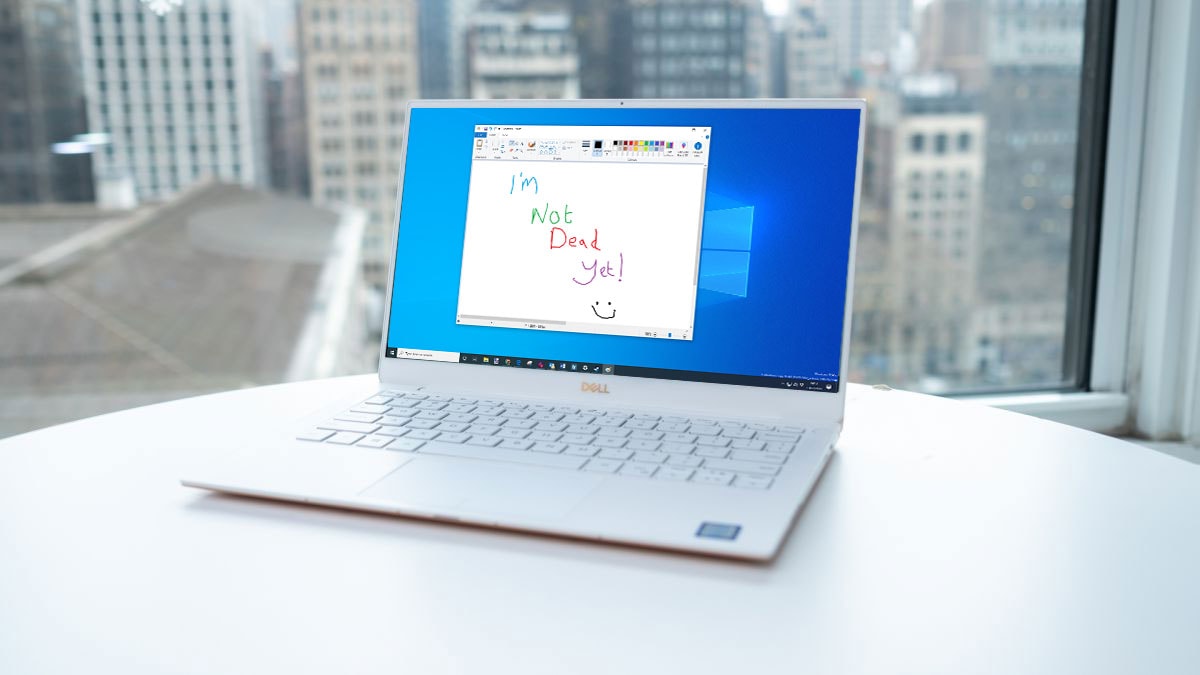
An Unexpected Threat in a Familiar App
Microsoft has identified a security vulnerability in Paint, one of Windows' longest-standing and most familiar applications, which poses a serious threat to user systems. The flaw, designated as CVE-2026-83844, carries a severity score of 8.1 out of 10, placing it in the "high-risk" category. The vulnerability allows an attacker to execute malicious code remotely on a user's computer simply by tricking them into opening a specially crafted image file.
Why This Flaw Is Dangerous
The risk has become particularly relevant since Microsoft integrated artificial intelligence features into Paint. While there have been no confirmed reports of this vulnerability being exploited in the wild, experts note that the technical complexity of the exploit suggests it would likely only be within the capabilities of well-resourced hacking groups or state-sponsored actors. Nevertheless, if a system is compromised, attackers could potentially steal sensitive data, commit financial fraud, or infect the device with ransomware.
How to Properly Update Paint
Recent changes to how Paint functions have caused some confusion. The application is no longer an inseparable part of Windows; it is now distributed as a standalone program via the Microsoft Store. Consequently, security updates do not always reach users through the standard Windows Update mechanism. In some instances, the Microsoft Store may still offer an older, vulnerable version, complicating the update process.
To check your current version, you can use the following PowerShell command: Get-AppxPackage Microsoft.Paint | Select-Object Name, Version. If you see a version older than 11.2605.81.0, you must check for updates in the Microsoft Store. The company has already released a patched version (11.2605.91.0 and newer), though the rollout may be occurring in stages.
Recommendations for Users
If your system has not yet received the update, it is recommended that you exercise caution when opening image files from unknown sources. In extreme cases, if you feel insecure, you can temporarily uninstall Paint from your system until the update becomes available in your region. Microsoft’s security guidelines are updated regularly, so keep an eye on official information to ensure your device remains protected.