ChatGPT’s New Locked Chats Feature: Why It Isn’t Fully Secure
OpenAI has rolled out a new protection tool, but users should be aware of its limitations.
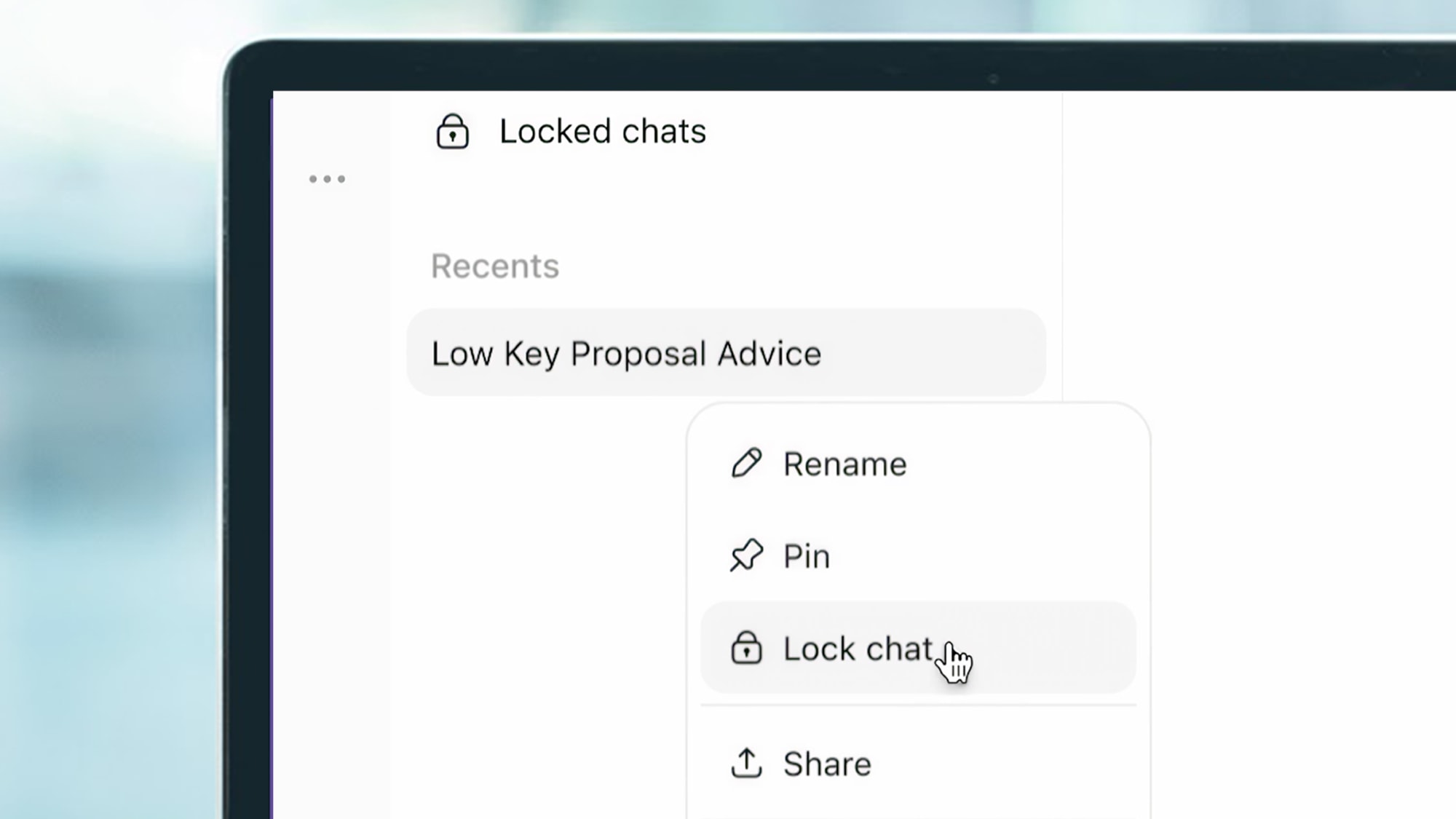
How Locked Chats Work
OpenAI has launched a new feature for ChatGPT users called Locked Chats. The tool is designed to shield specific dialogues from prying eyes, allowing users to hide conversations containing personal or sensitive information. The feature is now available to all users, including those on free, Plus, Pro, and business plans.
Once a chat is locked, it disappears from the standard history and search results. Access is restricted to a four-digit PIN or biometric authentication, such as Face ID or fingerprint scanning. This is particularly useful for users who want to prevent family members or friends from viewing specific conversations when they have temporary access to a phone or computer.
It is important to note that if a user forgets their PIN and attempts to reset it, the system will automatically delete all chats and files protected by that code. Consequently, this security mechanism requires significant user responsibility.
Significant Security Gaps
While the feature appears simple and effective, there are several factors users must consider. First, locking a chat does not guarantee it is secured across all devices simultaneously. If a conversation is open in a browser tab, it may remain visible until the page is refreshed or closed. Furthermore, locking a chat is not an automatic process upon exiting; users must manually trigger the lock command.
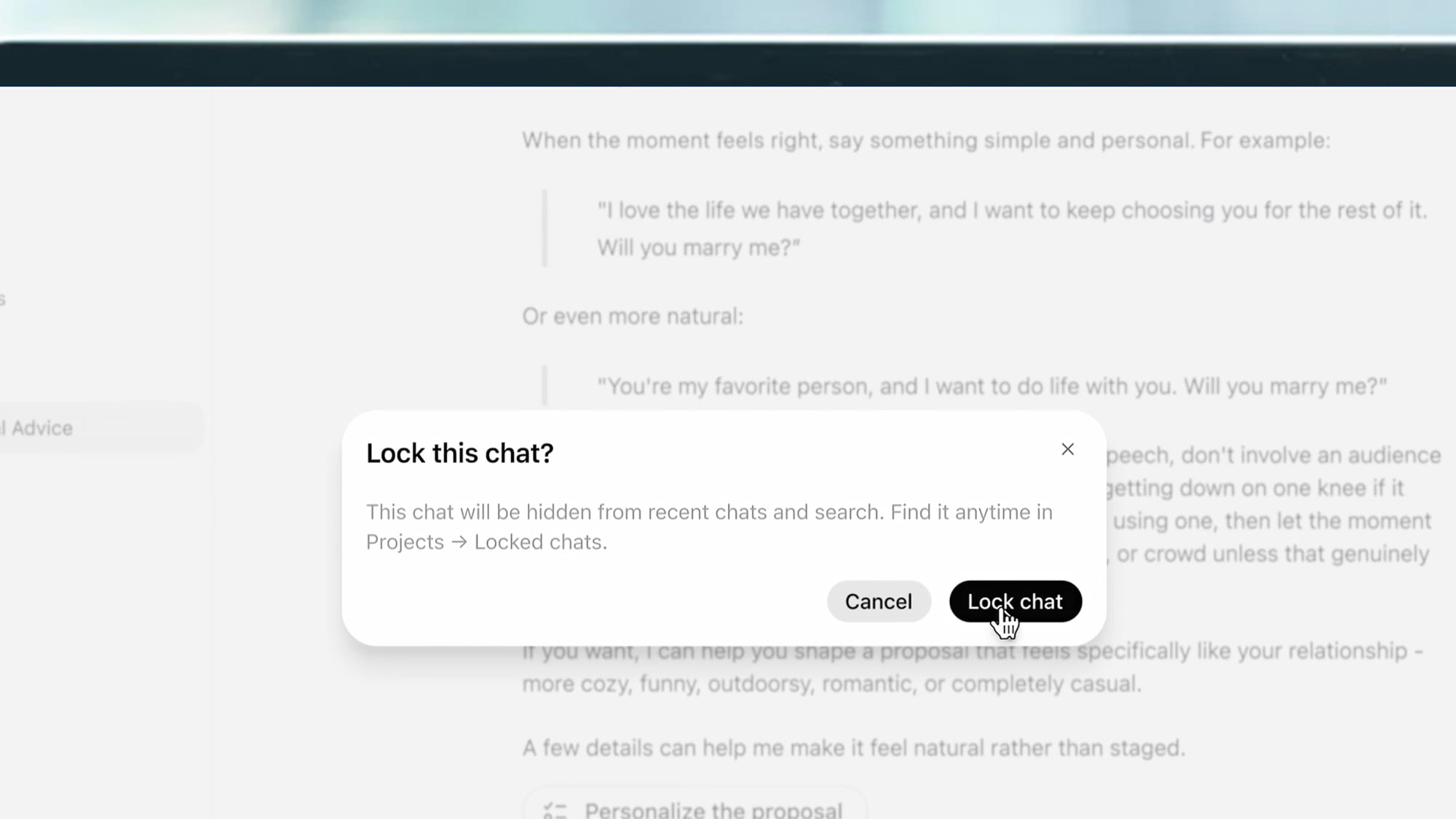
Another critical detail involves previously shared links. If a user previously generated a public link for a specific chat, locking it will not deactivate that link. It remains accessible to anyone who possesses the URL. Therefore, users must manually delete any previously shared links to ensure complete privacy.
Memory and Confidentiality
The most complex aspect involves ChatGPT’s "Memory" function. If the AI learned specific details from a conversation before it was locked, that information remains in the system and will influence other chats. Activating Locked Chats does not erase previously stored data; users must navigate to settings and delete that information manually.
Experts recommend using Temporary Chat for highly sensitive information, as it does not save history or create "memory." While Locked Chats are useful for everyday privacy, they do not guarantee that information is completely removed from the system. For users employing ChatGPT for personal or professional purposes, it is essential to view this feature as an additional layer of security rather than a foolproof solution.