Canon’s New 3D Software: Everything You Need to Know
How Canon’s New 3D Technology Works
In October, Canon introduced its new Dual Pixel 3D Converter software, allowing photographers to create three-dimensional images and models from standard shots. This innovative solution requires no special equipment or additional accessories, as it relies on the Dual Pixel CMOS AF technology embedded within the camera's sensor. This system, which Canon first introduced in 2013, splits each pixel into two photodiodes, enabling precise determination of depth and texture through the analysis of phase differences.
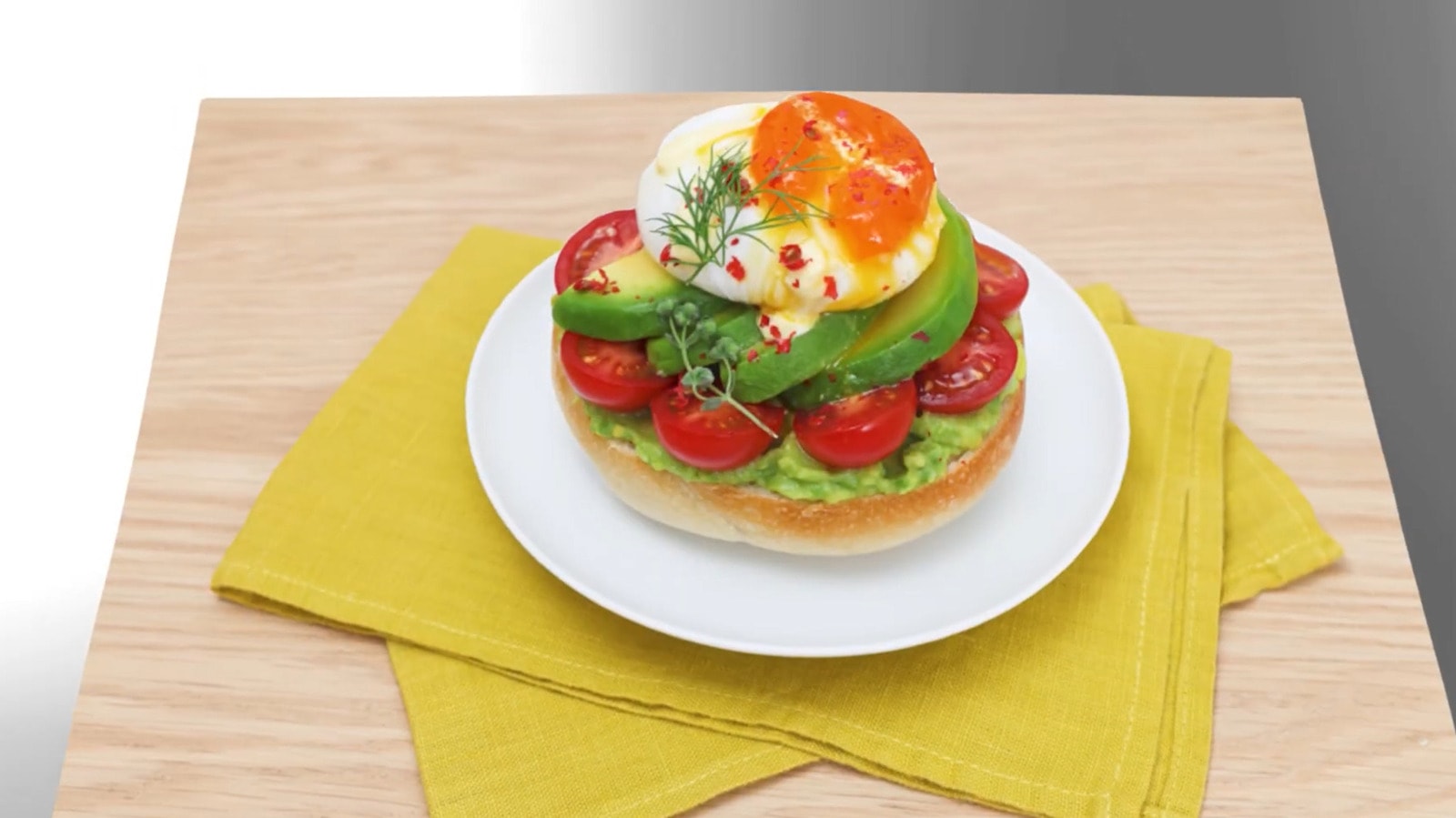
The software automatically processes this data to generate hyper-realistic 3D models, which can be exported in OBJ, GLB, and MP4 formats. The latter is particularly useful for video content that requires a volumetric perception of the subject.
Which Cameras Are Compatible?
Unfortunately, not all cameras support this feature. The Dual Pixel 3D technology works only with specific Canon EOS R series models equipped with the appropriate sensor. The earliest camera to support this system is the EOS R5, released in 2020. Additionally, the camera must be paired with compatible RF lenses, a list of which is available on Canon’s official website.
It is worth noting that the software currently runs only on Windows 11 (2024 version or later). While the application is currently free, Canon’s official statement indicates that terms and technical specifications may change in the future, suggesting the service could potentially become a paid offering.
Rules for Creating Quality 3D Models
To achieve the best results, Canon recommends following several technical guidelines. First, set your aperture between f/5.6 and f/8 during shooting, and ensure your ISO does not exceed 1600. Generating a 3D model becomes impossible if the ISO is set above 3200. Also, do not forget to enable the Dual Pixel RAW or Add Distance functions in the camera settings.
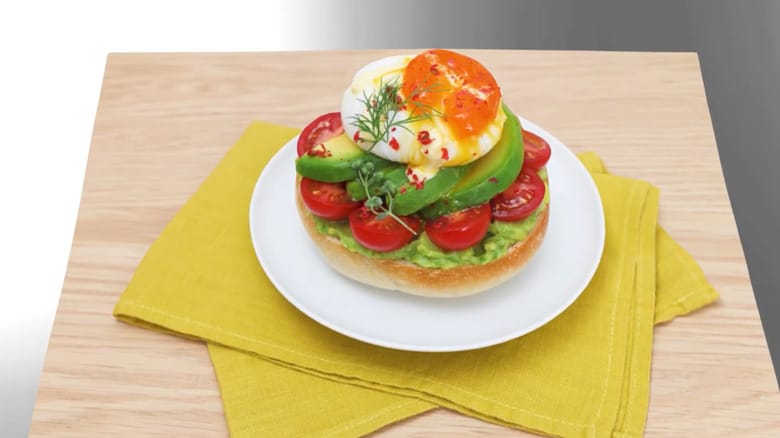
When selecting subjects, prioritize objects with matte textures and solid forms, such as ceramic tableware, fruit, or flowers. Avoid shiny surfaces, complex geometric shapes, and objects with many blind spots. Maintain a shooting distance that is 5 to 10 times the focal length and try to keep the object in the centre of the frame.
This technology opens up new possibilities for content creators and designers looking to create 3D product models quickly and easily. Since the software is free, it is an excellent opportunity to test the potential of your existing EOS R camera and add a new dimension to your work.