Apple's New MacBook Pro: How the Touchscreen Works in macOS 27
Apple's first touchscreen laptop brings new interface optimizations to macOS 27.
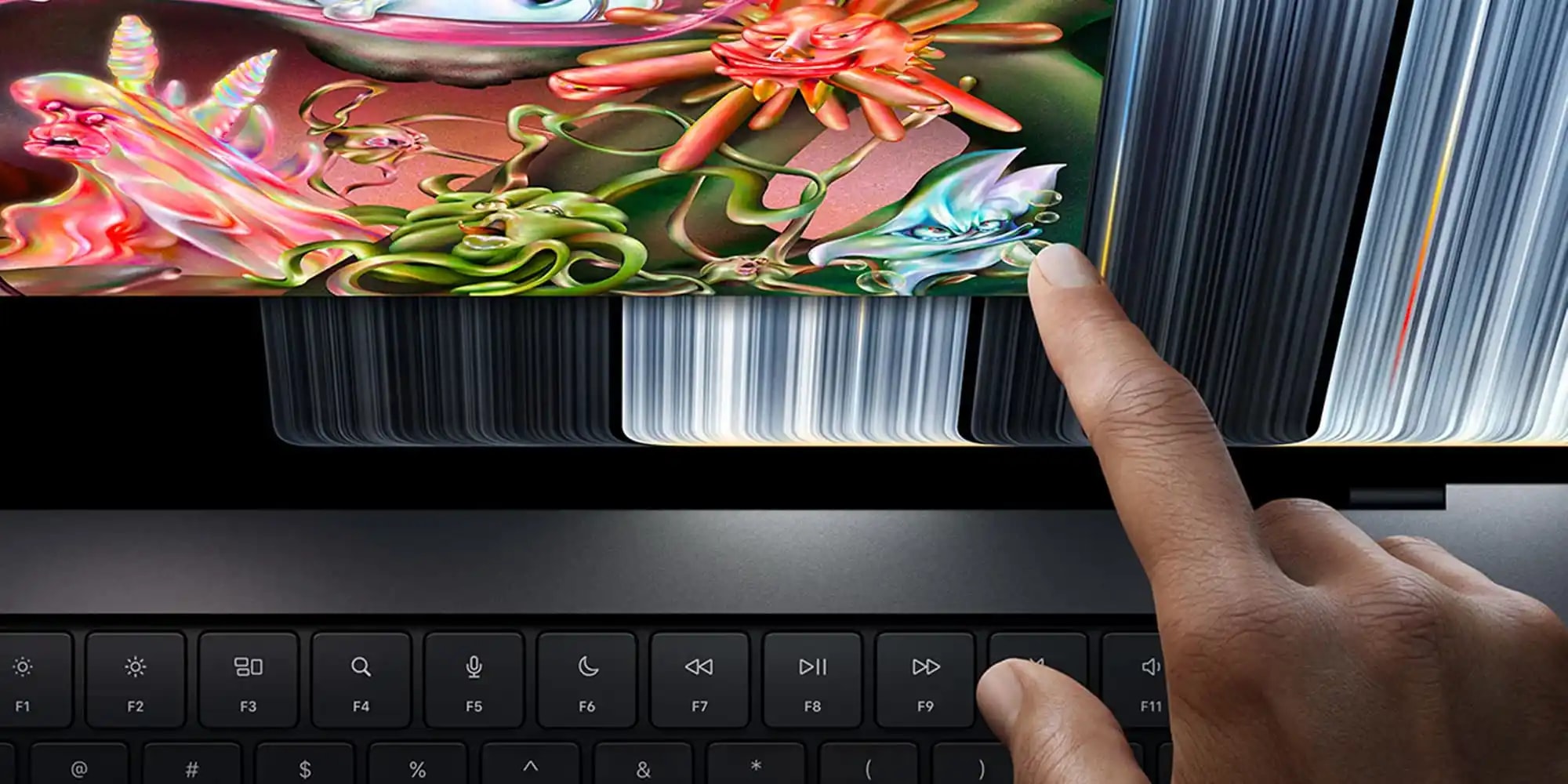
A New Era for Apple Laptops
Apple has officially introduced a new generation of MacBook Pro, marking the first time in the company's history that a laptop features a touchscreen PROLED XDR display. This long-awaited development is something users have anticipated for years. However, the addition of a touchscreen is more than just a hardware upgrade; Apple has implemented significant interface optimizations in macOS 27 Golden Gate to ensure that touch navigation is as comfortable as possible.
Interface Adaptation for Touch Control
Apple engineers have focused heavily on making the familiar macOS environment user-friendly on a touchscreen. One of the primary changes involves window management: the 'traffic light' buttons in the top-left corner of applications—used for closing, minimizing, and expanding windows—automatically enlarge when touched, reducing the probability of errors.
A similar principle applies to menu bars and context menus. According to Apple, optimized applications automatically increase the target area for buttons. This allows users to select desired functions more accurately and easily, even if the button size remains visually unchanged.
Gestures and Functionality
The new MacBook Pro fully replicates the gestures previously exclusive to the trackpad. Swiping up with three fingers on the screen invokes Mission Control, while side swipes allow for switching between applications. Pinch-to-zoom and web page scrolling are also available. Interestingly, Spotlight search can now be triggered directly from the Dynamic Island, mirroring the style of iOS 27.
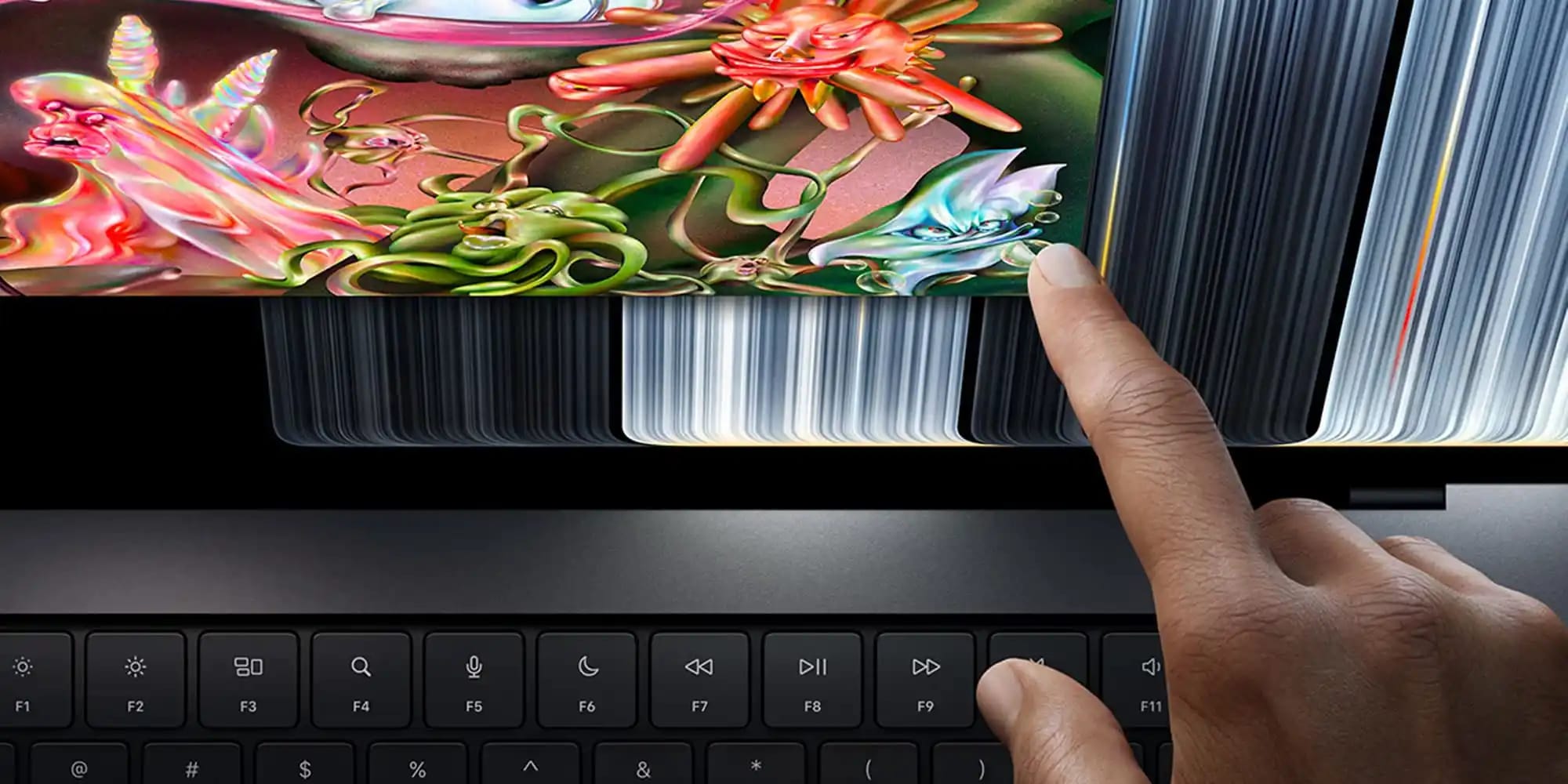
Of particular note for developers is the update to the iOS simulator, which is now fully controllable via the touchscreen. There is no longer a need to simulate finger movements using the trackpad, making application testing significantly more natural and efficient.
What Comes Next?
While these changes are primarily associated with the new MacBook Pro, macOS 27 has already received updates such as the 'pull-to-refresh' function in Safari and increased spacing between menu bar elements. This indicates that Apple is preparing to implement touch support on a wider scale.
The company states that this is only the beginning and that future WWDC conferences will bring even more optimizations. Although touchscreen MacBooks are still a novelty, this step further bridges the experience between macOS and iOS, ultimately creating a more unified and intuitive ecosystem for users.