Apple Store Employees Accused of Deceiving Customers Over Subscriptions
Reports suggest staff were activating paid services without consent to meet internal performance targets.
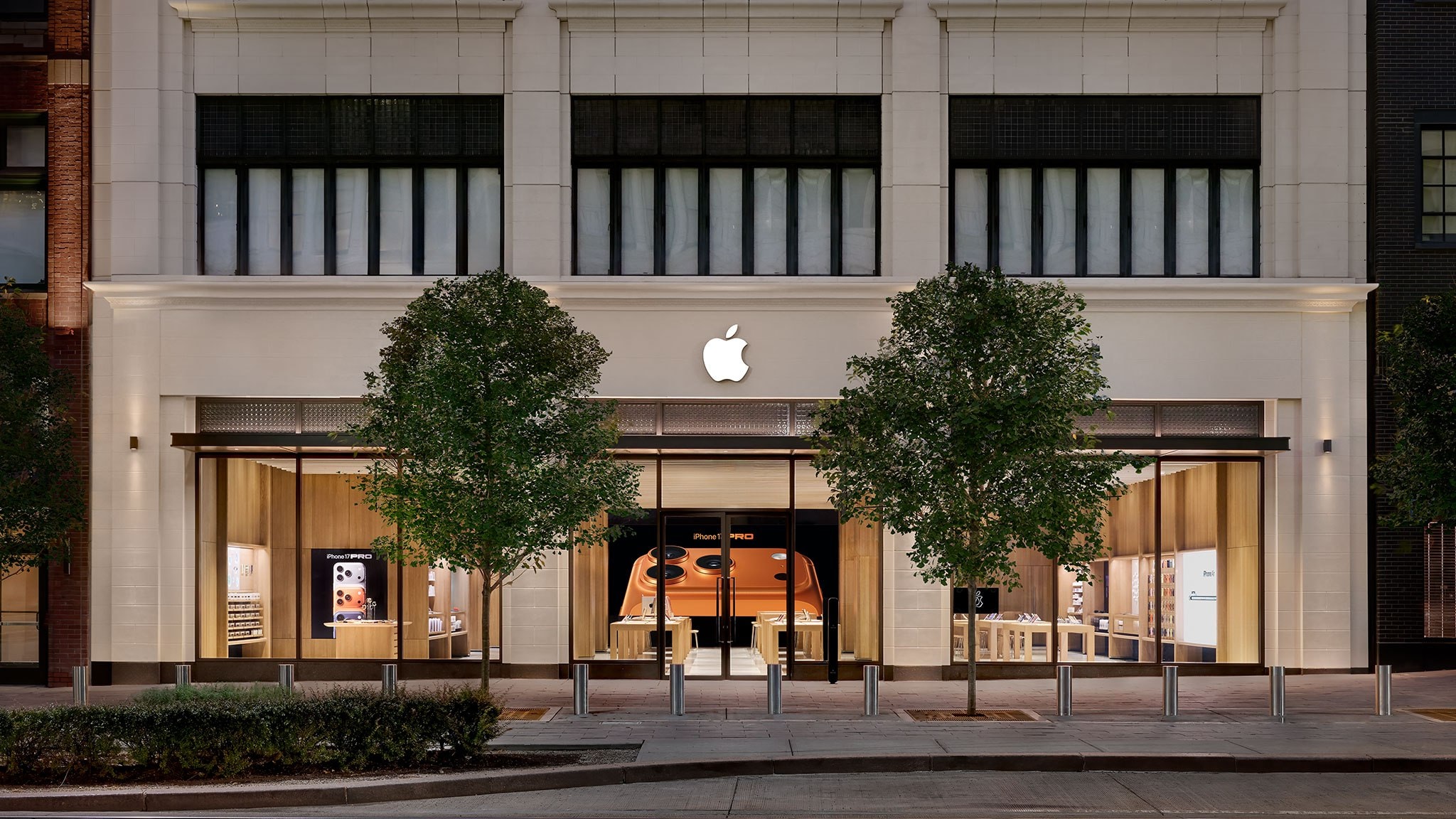
Scandal at the Apple Store: Unauthorised Subscriptions
Apple’s customer service is traditionally held to high standards, but the company has recently faced intense criticism. Reports indicate that some employees at Apple Stores in the United States have been activating paid subscription packages, such as Apple One, without the customer's informed consent. The issue came to light after electronics specialist and consumer rights advocate Louis Rossmann published details of the situation on social media.
How the System Worked
The problem centres on the "Connect and Personalise" system. During in-store visits, employees invite customers to scan a QR code, which is presented as a way to provide a personalised shopping experience. Once this process is initiated, the employee gains access to the customer’s device data, including information on existing devices and services. It is at this stage that subscription offers were displayed, allowing the employee to press the "Agree" button.
It appears that some staff members expedited this process or presented the trial period as a "gift" without explaining what would happen once the free period expired. Furthermore, there are reports that in some cases, employees pressed the "Agree" button themselves to meet internal targets related to the "services attach rate."
Response and Changes
In the wake of the scandal, the company has taken certain measures. It has been reported that Apple has removed the mandatory quota for employees that required a specific number of services to be activated for every device sold. While the official explanation attributes this change to the holiday season, the timing appears suspicious.
Additionally, Apple has issued an internal memorandum to its retail network, reminding staff of the importance of customer privacy and informed consent. This is particularly relevant during the holiday season, when stores employ a number of temporary staff.
Advice for Customers
If you use an Apple ID, it is advisable to periodically check your active subscriptions. To do this, go to your profile in your iPhone's Settings, select "Subscriptions," and review the list. If you find a service you do not remember activating, you can easily cancel it using the "Cancel Subscription" button.
Furthermore, if you have already been charged for an unwanted service, you can visit reportaproblem.apple.com to request a refund. It is recommended to regularly monitor your bank statements to avoid unexpected charges. Although these incidents have primarily been recorded in the US market, this practice serves as an important lesson for users worldwide to remain vigilant when activating digital services.