Apple Image Playground: How the New AI Tool Works
Master the latest generative AI features on your iPhone, iPad, and Mac.
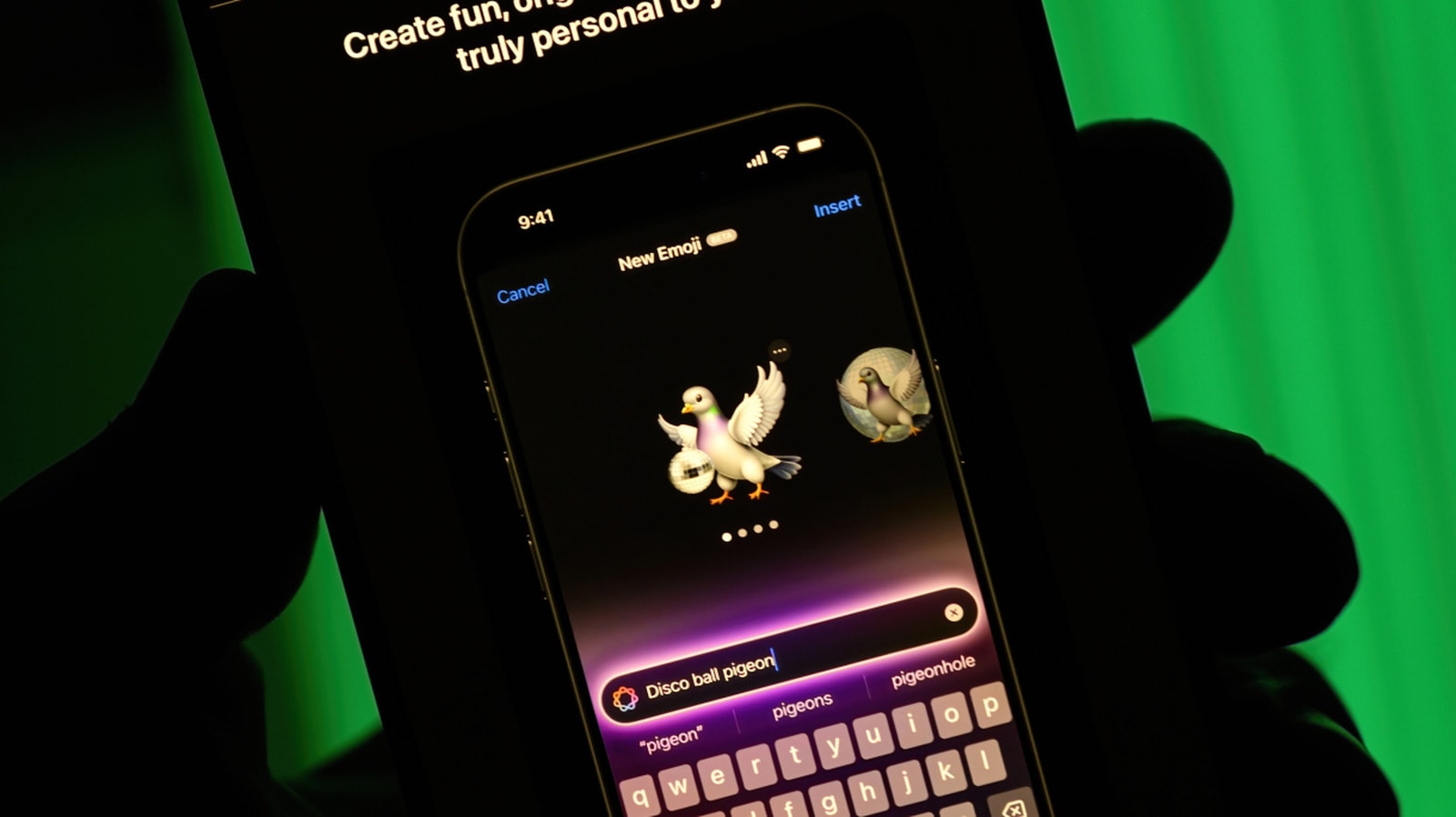
What is Image Playground and how does it work
The integration of Apple Intelligence into the Apple ecosystem continues to unlock new creative potential. One of the standout tools is Image Playground, an application that allows users to generate unique visuals directly on their devices. This is more than a standard generator; it is tightly integrated with apps like Messages, Keynote, and Freeform, enabling you to add visual content without interrupting your workflow.
Image Playground is available to owners of the iPhone 15 Pro and Pro Max, as well as the iPhone 16 series and newer models. Additionally, the tool is accessible on Macs and iPads equipped with M1 chips, as well as the iPad Mini featuring the A17 Pro chip. To use the application, you must enable Apple Intelligence in your device settings.
What's new in iOS 27
The iOS 27 update has brought new features to Image Playground that make visual creation more flexible. The most significant change is the "Any Style" function. Previously, you were limited to predefined styles like illustrations or sketches; now, you can use natural language to describe any visual style you desire.
Touch-based image editing has also been added. If you are unhappy with a specific detail in a generated image, you can highlight it with your finger and use a text prompt to change its colour, shape, or position. Furthermore, the application now supports the creation of Contact Posters and Lock Screen wallpapers, offering a new level of personalisation.
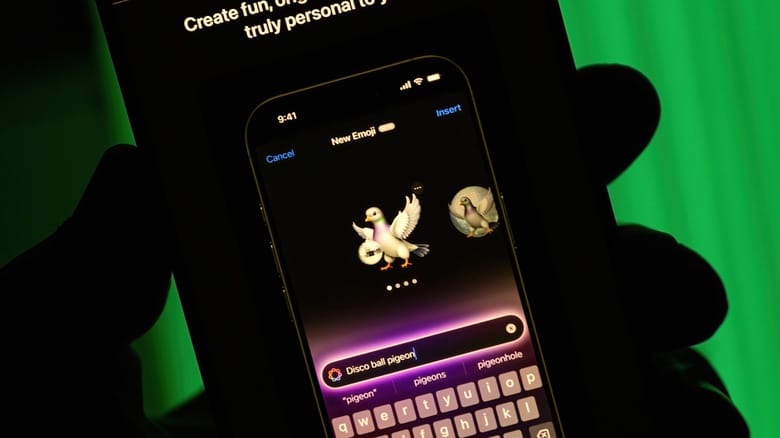
How to create an image or Genmoji
Using the application is straightforward. You can start from scratch by entering a description in the search field or by selecting from the menu of pre-set styles. If your goal is to create a Genmoji, simply select the relevant option from the menu, and once finished, save it to your sticker collection. You can then use it in any conversation just like a standard emoji.
The ability to use your own photos is also a notable feature. You can upload a photo or select a face from your library to serve as the foundation for a new image. For example, you can ask the system to place you in space as an astronaut. Once you are satisfied with the result, you can share the image directly from the application.
This tool represents a significant step forward for users who want to quickly visualise their ideas, whether it is creating a fun sticker for friends or preparing a unique illustration for a presentation.