Apple HomeView: Everything You Need to Know About the New Smart Hub
Facial Recognition and Security
For HomeView to function effectively, proper camera positioning is critical. Apple recommends placing the device so that your face is centered in the frame. Lighting is equally important; the hub requires even, front-facing illumination. Users should avoid placing shelves or cabinets above the device, as these may obstruct the field of view. Notably, the device will not recognise you if you are wearing dark sunglasses or other accessories that obscure your face.
For security, HomeView employs two-factor authentication: facial recognition combined with the proximity of your iOS device. To ensure your iPhone connects quickly to the hub, it must be unlocked and connected to the same Wi-Fi network. If the Wi-Fi connection drops, the device will switch to a mobile network, provided it has been previously connected to that network.
Management and Functionality
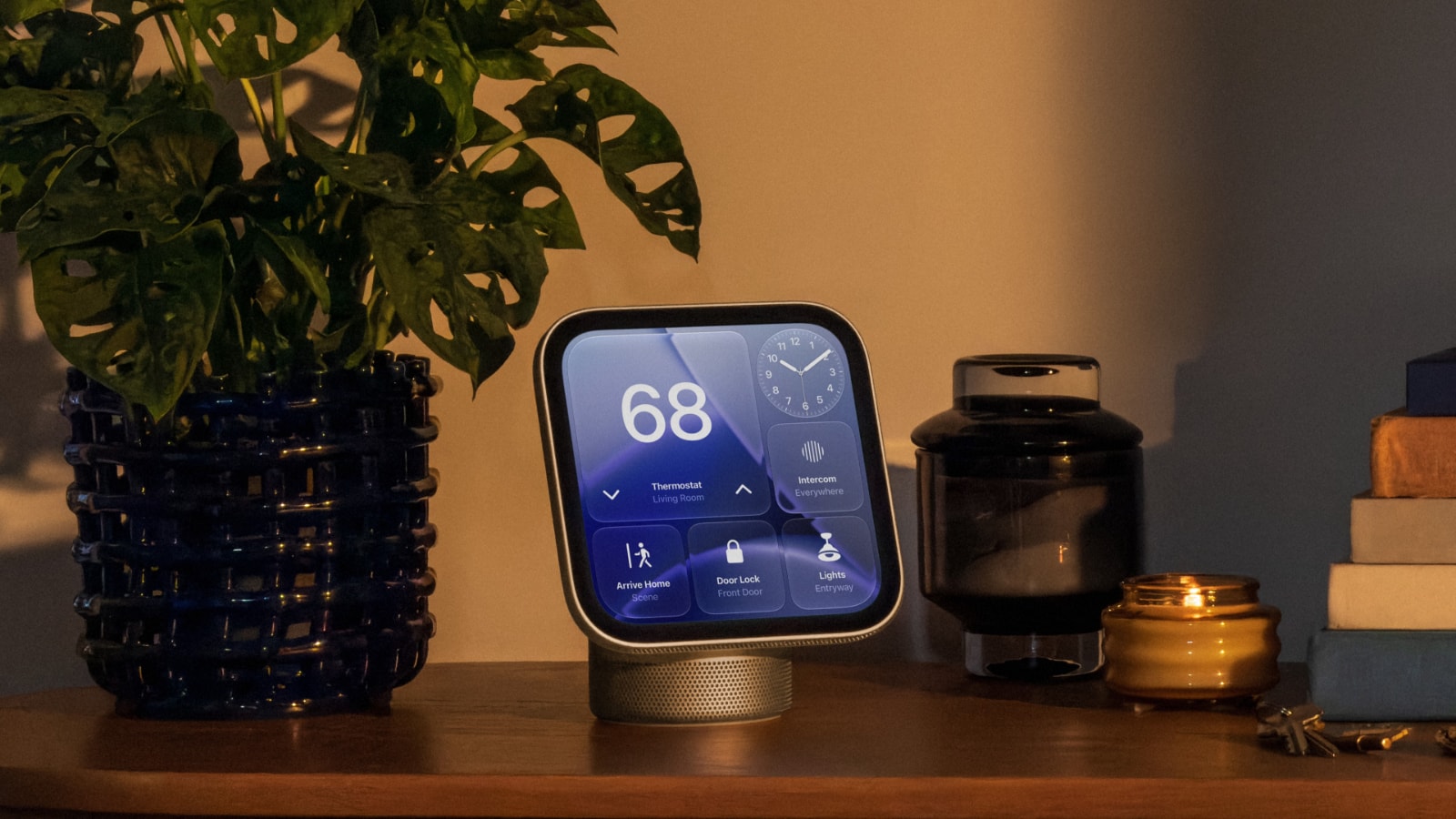
The HomeView interface is highly flexible. The Control Center now includes a "Mirror" feature, allowing you to view yourself through the camera. During this mode, you can toggle between 1x and 2x zoom and activate additional lighting to better illuminate your face. As with other Apple devices, you can also adjust the transparency of the Liquid Glass interface.
There is also a dedicated guest mode. Owners can control guest access, including the ability to block Safari, specific Siri functions, or age-restricted content. You can also designate which Apple Music account will be used to play music for guests.
Important Nuances
HomeView does not feature a physical button for power or restarting. The device can only be rebooted via system settings or by temporarily disconnecting it from the power source. It is worth noting that the notification system is limited: the device only displays phone calls and alerts from smart home devices.
If an unauthorised person attempts to access your personal data, the device will automatically disable facial recognition and require your iPhone for identification. This extra layer ensures your personal information remains secure, even if the hub is placed in a public area.
The arrival of HomeView is significant for the market in Georgia, as it further expands the Apple ecosystem within our homes. However, it is important to note that the device's full functionality depends on regional support for Apple services, which often comes with certain limitations for local users.