Android Makes Moving Data Between Password Managers Easier
Google introduces direct, local transfers between supported Android password managers.
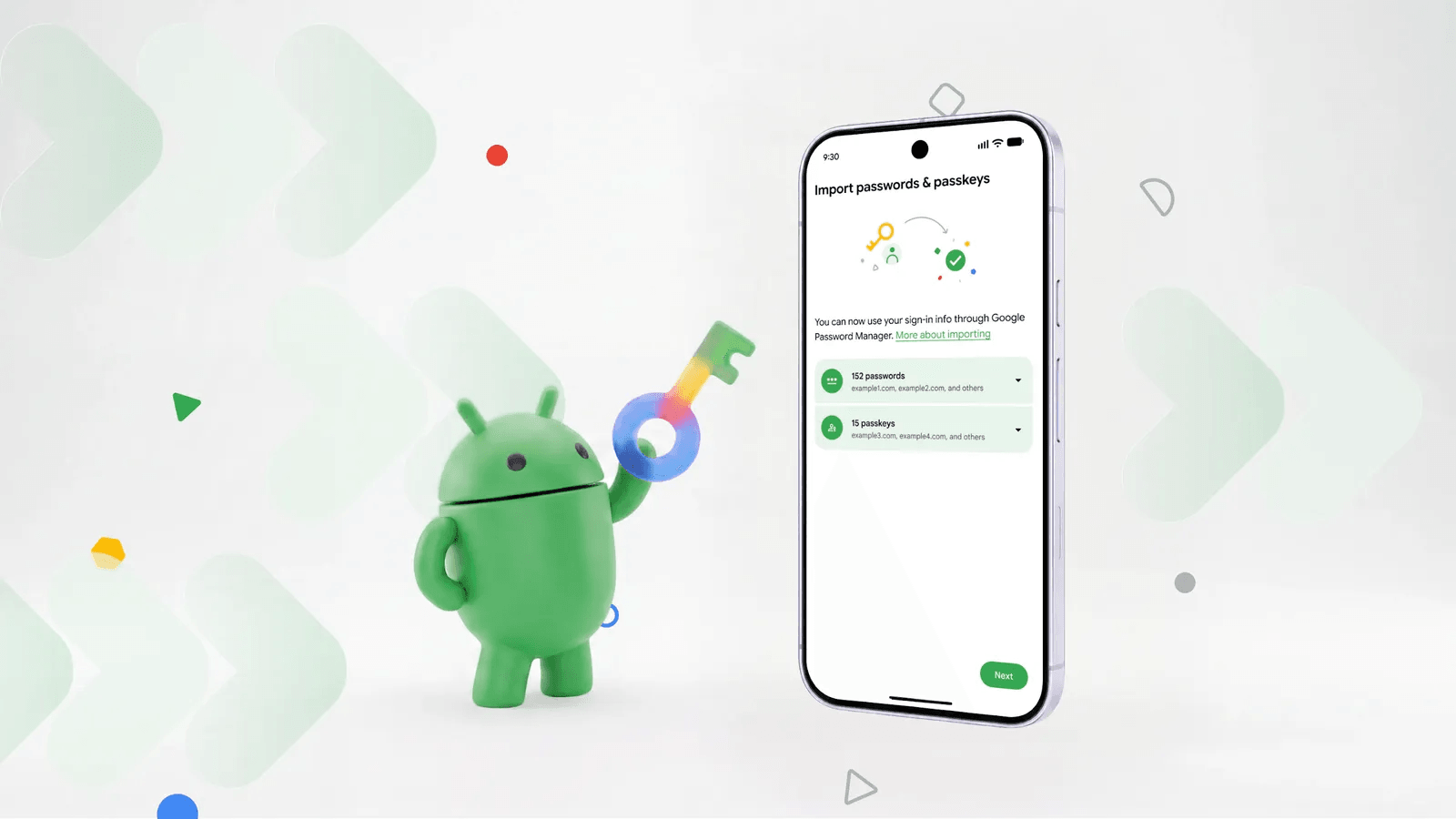
In the modern digital world, remembering complex and unique passwords is nearly impossible, making password managers an essential part of daily life for many people. However, switching from one such service to another has until now been quite an inconvenient and risky process. A new feature has appeared in Android that significantly simplifies safe password migration.
Previously, users often had to export passwords into insecure CSV files or enter data manually to transfer their information. Google's new system handles the entire process locally, directly on the device. To transfer data, both relevant apps must already be installed on the smartphone and synchronised.
How data migration works
Data transfer is initiated in the receiving app. Users must find the import option within the service they intend to use. For instance, in the built-in Google Password Manager on Android, this feature is located at the top of the settings tab. From here, the app connects to the new system and begins securely receiving authentication details.
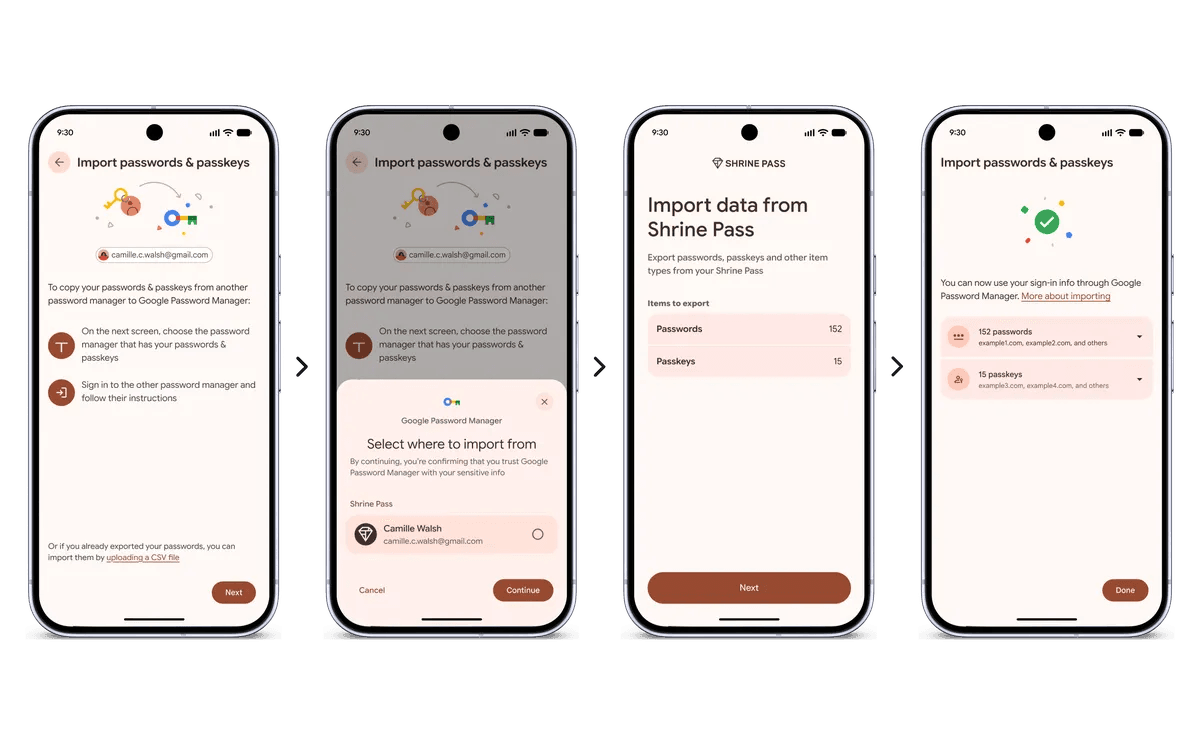
At this stage, popular services such as Google Password Manager, 1Password, Bitwarden and Dashlane already support the new system. Notably, the old export feature still generates unencrypted CSV files, so users are advised to favour the new direct import method instead.
This update improves security standards across the Android ecosystem, allowing users to retain full control over their data without unnecessary difficulties when switching services.