Android Auto Maker: How to Run Any App on Your Car’s Display
A new open-source utility simplifies the process of sideloading applications onto your vehicle's infotainment system.
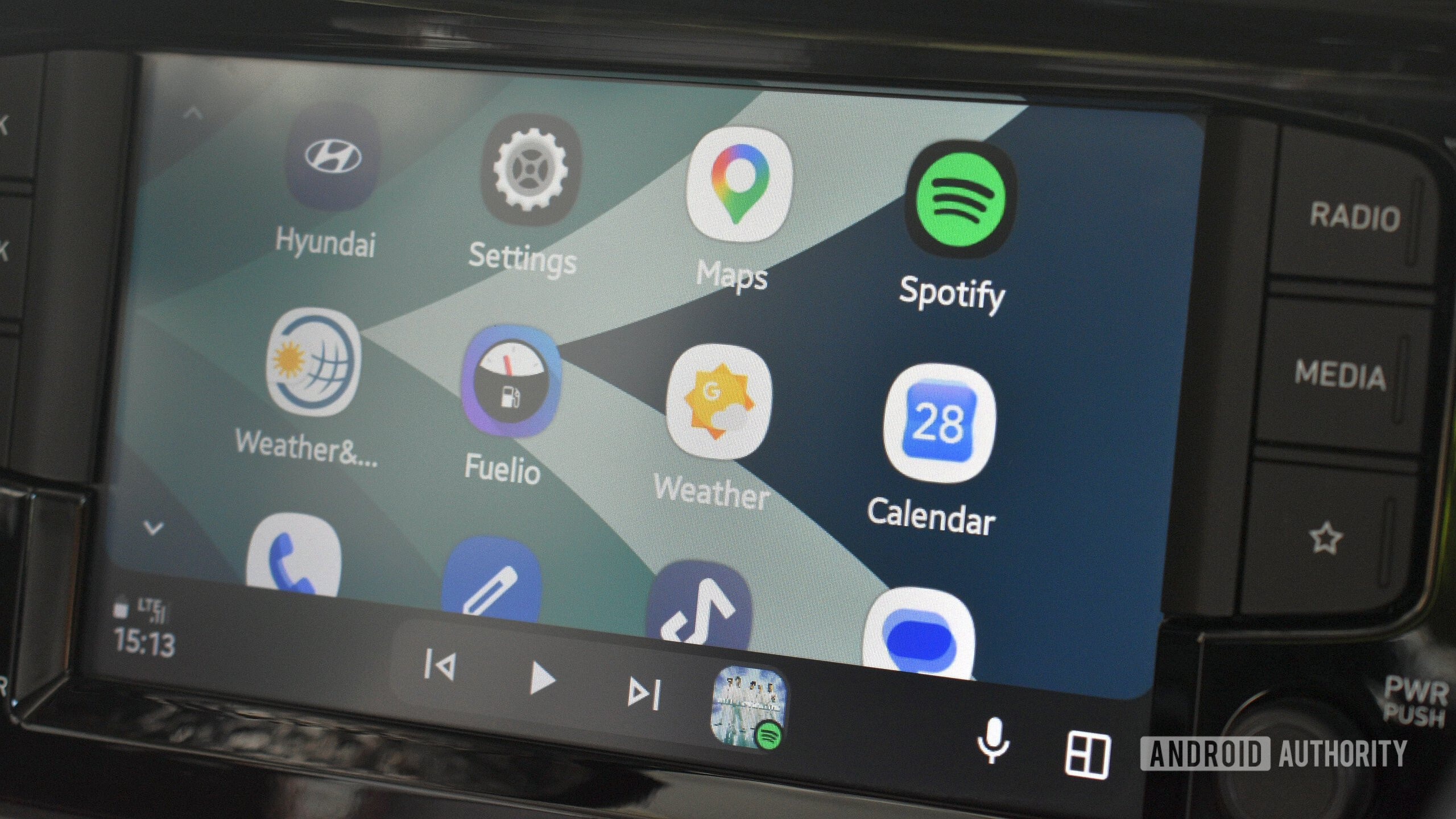
New possibilities for car owners
Expanding the functionality of a vehicle's display while parked or on the move is a common goal for many drivers. Traditionally, running third-party apps on Android Auto has been a complex process, often requiring risky procedures like rooting your smartphone or relying on unstable screen mirroring. A new open-source tool, Android Auto Maker, significantly simplifies this task.
The project’s creator, known as malebuffy, provides a tool that automatically converts APK or XAPK files so they register within Android Auto’s "parked apps and games" category. This allows you to use video players, games, and other useful applications directly on your car's infotainment system when the vehicle is stationary.
Technical requirements and limitations
Using Android Auto Maker requires a degree of technical proficiency. First, you must be running Android 15 or a newer operating system. To begin the process, you must uninstall the original versions of your apps and replace them with the newly modified versions. If you wish to use navigation apps while driving, you will need to keep Shizuku permanently active and ensure the screen remains unlocked, which requires extra attention to safety standards.
It is important to note that not all applications will be compatible. Apps that use DRM protection or banking services will likely fail to launch due to Play Integrity checks. Additionally, Android skins modified by Chinese manufacturers (OEM skins) may require additional support files to function correctly.
Important considerations
Android Auto Maker is available as both an Android APK file and a local computer web server. Because this is a third-party tool, users should remember that apps installed via this "sideloading" method will not update automatically through the Google Play Store. This means that to update an application, you must manually repackage and reinstall the new version yourself.
For drivers who frequently use Android Auto, this innovation offers an opportunity for added convenience. However, when making system-level changes, always consider the stability of your vehicle's safety systems. Before performing such modifications, ensure your device meets the developer's minimum requirements to avoid errors in your car's multimedia system.