Android Auto Glitch Traps Drivers in Endless Calling Loop
A new voice assistant bug is causing significant frustration for Pixel and Samsung owners.
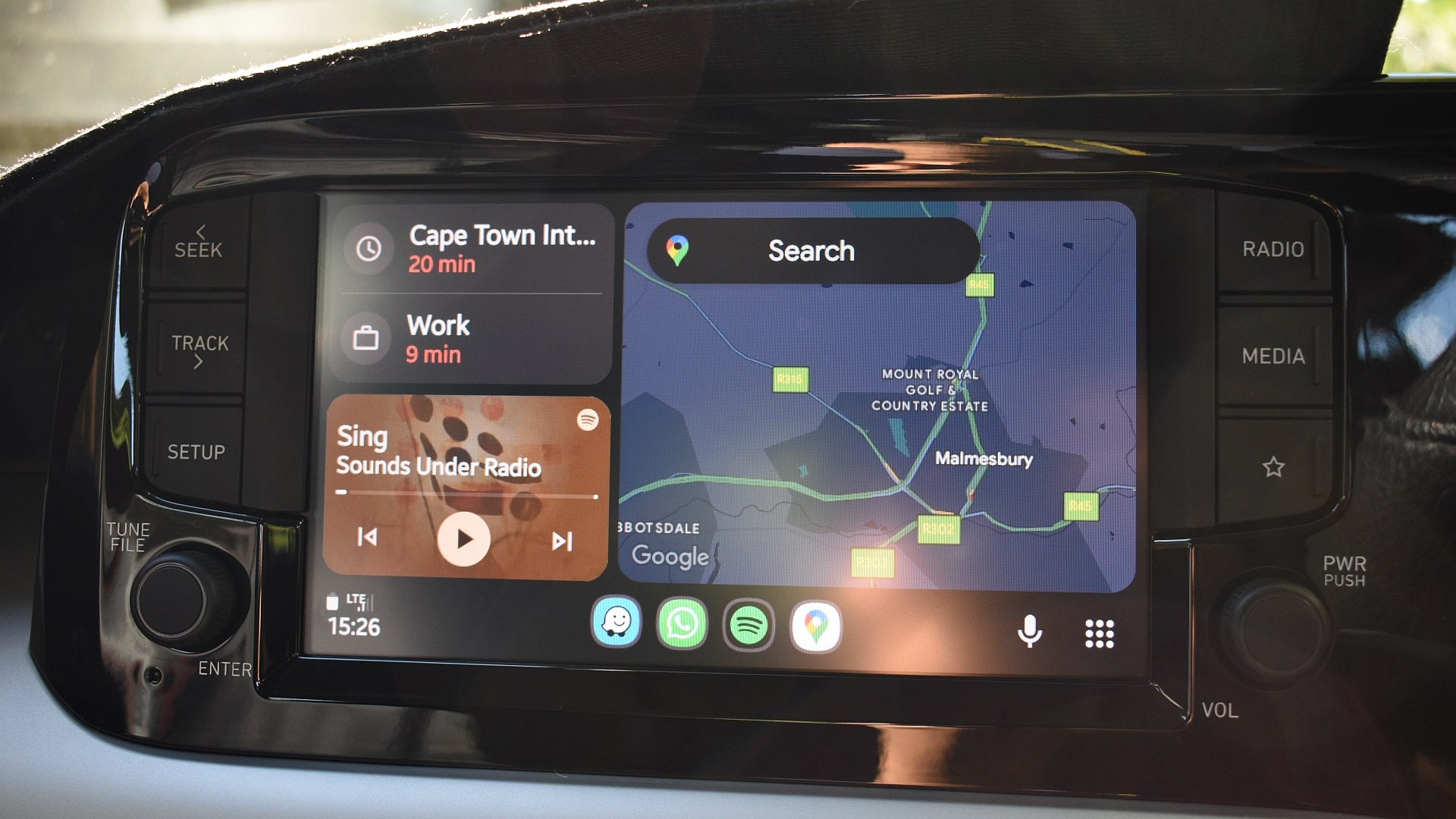
The Android Auto Issue
Using AI to make calls while driving is intended to be a simple and safe process. However, some Google Android Auto users have recently encountered an annoying bug that causes significant disruption. The system ignores the contact name provided and repeatedly asks the user to confirm who they wish to call in an endless loop.
According to user reports, the problem arises when a driver uses a voice command to call or message a specific person. Even if the assistant clearly hears the name, it continues to ask, "Who would you like to call?" This cycle often continues indefinitely, preventing the driver from keeping their hands on the wheel and focusing on the road. Complaints have been accumulating on Google support forums since early October. The issue affects both Pixel and Samsung flagship series, specifically impacting Pixel 10 and 10 Pro owners, as well as users of the Galaxy S24, S25 Ultra, and the latest S26 models.
What Is Causing the Error?
It is currently unclear what is happening within the system, though the timing is notable: these errors became more frequent following the integration of Gemini into Android Auto and subsequent large-scale updates. It is possible that the issue stems from a conflict with new AI model algorithms that process voice commands. At this stage, Google specialists are collecting diagnostic data from users to determine the cause, but no official fix or update has been released yet.
What This Means for Users
Although Android Auto is officially restricted in Georgia, it is still widely used in the country, as many drivers activate it via third-party applications or regional settings. If you use this system and encounter similar problems, it is recommended to temporarily avoid voice commands and initiate calls manually through the vehicle's multimedia screen. Safety while driving is a priority, so it is better to avoid risks and keep your attention on the road during such glitches. We are awaiting an official explanation and a software update from Google to resolve this frustrating error.