Adobe Unveils New AI Tools for Photoshop, Premiere and Firefly
At its annual Adobe MAX event, the company announced a major update to the Creative Cloud ecosystem. Most of the new features are powered by artificial intelligence (AI) and aim to automate complex workflows, enable fast content editing, and simplify working across applications. Some of the updates are already available to users, while the most ambitious integrations will launch in future years.
Key updates for Photoshop and Premiere
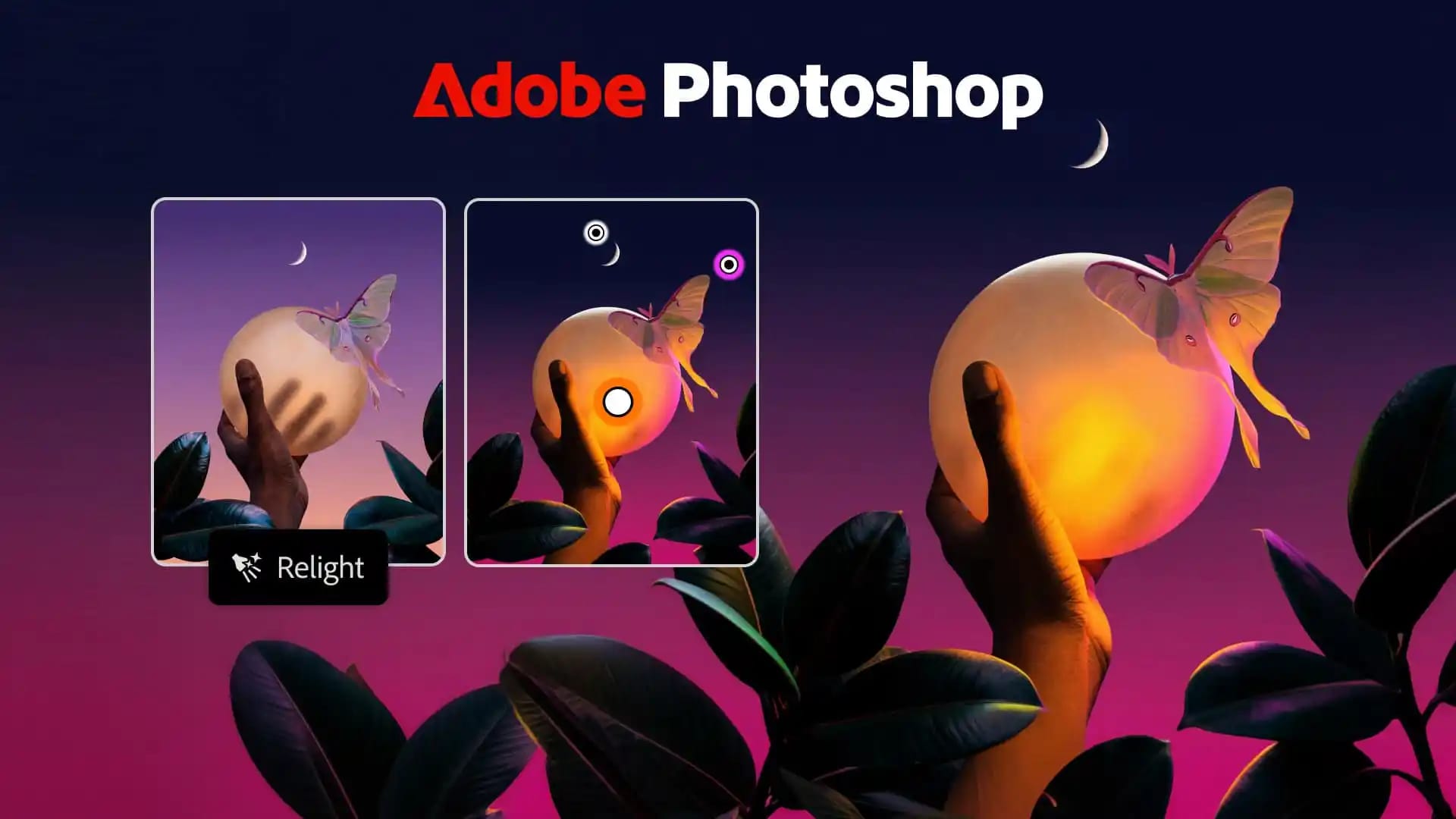
Several major tools have arrived in Photoshop. The new Relight feature allows users to dynamically add, reposition or resize light sources in an image. Generative Restyle offers style changes driven by text prompts, with results adjustable using dedicated sliders. A Quick Compare slider has also been added to simplify comparisons.
Following its acquisition of Topaz Labs, Adobe introduced two new AI models into Photoshop: Wonder 4, which simultaneously performs upscaling, denoising, deblurring and sharpening, and Image HDR, which converts standard photos into high dynamic range (HDR) shots.
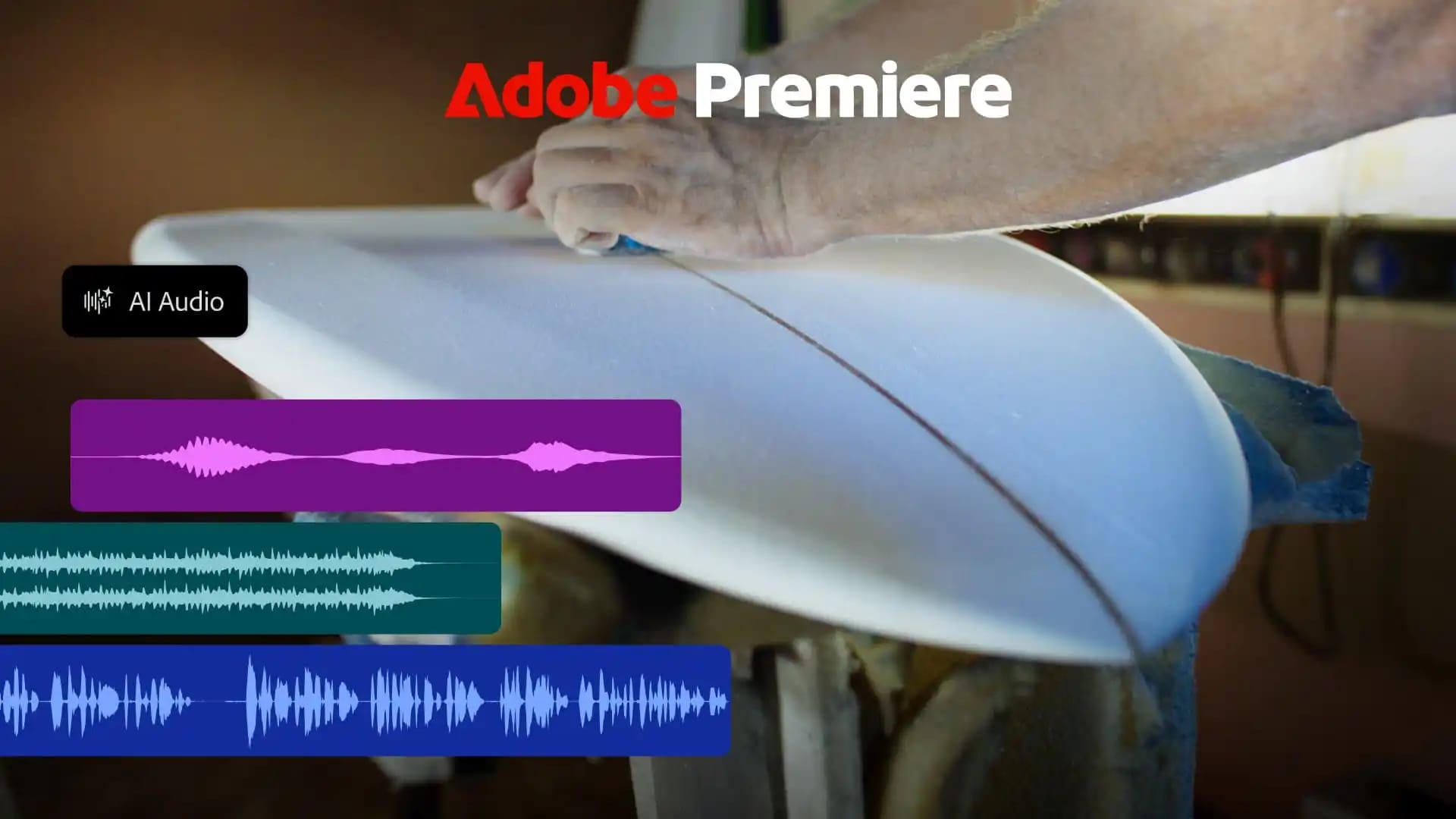
The video editing software Premiere gains several tools: Enhance Audio, Separate Crosstalk and Separate Sound Source. Generative Remove has been added in beta, allowing unwanted objects such as microphones or logos to be removed from the timeline. Additionally, Color Mode has launched for colour correction.
The most interesting addition is the Generative Media Tool, which can generate videos, sound effects, audio backgrounds and music directly on the timeline. Alongside Adobe Firefly, users can also make use of models from partners including Google, Kling, Runway and Luma.
Users of the mobile version, Premiere Mobile, gain access to hundreds of thousands of licensed music tracks for non-commercial use, thanks to partnerships with UMG and WMG. Agentic tools will also be added to the app soon: Quick Cuts, which performs initial rough cuts automatically, and AI Assistant, which operates using natural language instructions.
Lightroom, Illustrator and InDesign
Lightroom receives the Glow tool for soft cinematic lighting, Blemish Removal for skin touch-ups, and Open Eyes (in beta). Camera Tethering has been improved on desktop and iPad, enabling direct camera connection and live photo editing.
Illustrator gains new brushes, gradients, patterns and Blend control tools. InDesign receives a Co-editing feature (beta) for collaborative work, Flex Layout for automatically fitting content to canvas size, as well as Check Document and Rewrite to quickly detect editing and accessibility flaws.
Firefly, autonomous agents and the future of MCP
Adobe Firefly adds Firefly Video and Firefly Design, which simplify video assembly, shot organisation, subtitle creation and animation. Quick Actions, Firefly Graph for workflow templates, and Firefly Builder (in closed beta) for prototyping websites and apps have also been introduced. The Firefly AI assistant adds Plan Mode for reviewing agent actions and Model Selector for choosing the desired AI model.
The company also introduced Always-on agents capable of handling routine tasks in the background: organising files, checking quality and preparing content for various platforms. Creative Agent is integrated into Illustrator, Premiere, InDesign, After Effects, Frame.io and Photoshop.
Plans to support MCP (Model Context Protocol) attracted particular attention. Although this feature will not launch until 2027 (with a closed beta starting in early 2027), it will bring significant changes. MCP will allow users to connect Photoshop, Illustrator, Premiere and After Effects directly to external AI agents and tools, such as ChatGPT.
In practice, this means a user could ask ChatGPT to edit files in Photoshop, upload new assets to Google Drive and alert the team on Slack. Because the system will run locally on the user's computer, all layers, vectors and sections will remain fully editable.
These updates show that Adobe is seeking not only to develop its own AI models, but also to integrate with third-party platforms, allowing designers and video editors to significantly speed up their workflows.