6 Practical Ways to Use Your PlayStation 5 USB Ports
Beyond charging your controller, here is how to make the most of your console's connectivity.
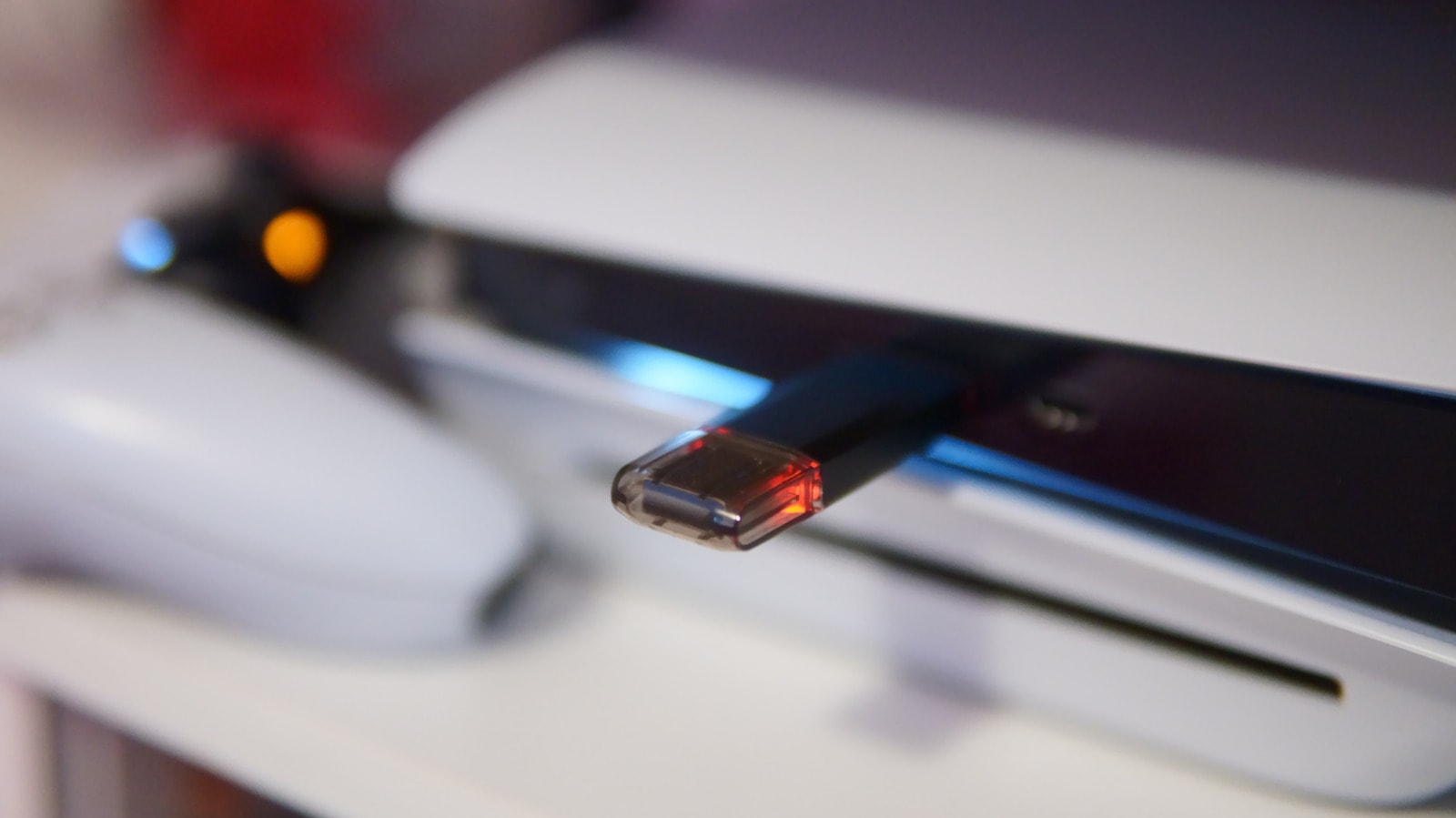
Most PlayStation 5 owners use the console's USB ports exclusively for charging DualSense controllers, yet these ports offer far more utility. Depending on whether you own the original PS5, the Slim, or the latest Pro model, the layout and types of ports vary, making them suitable for a range of tasks.
Expanding Storage and Managing Data
Modern game file sizes mean internal storage fills up quickly. While installing an M.2 SSD is the optimal solution, external SSDs or HDDs are also highly effective. It is important to note that you cannot play PS5 games directly from an external drive, but you can archive them there and move them back to the console when needed. This is particularly useful for those with limited internet bandwidth. Ensure your external drive has a speed of at least 5 Gbps and a capacity between 250GB and 8TB.
Beyond games, USB drives can store screenshots and video clips. However, a single drive cannot function as both a game storage device and a media library simultaneously, as they require different file systems.
Accessories and Peripherals
USB ports are essential for various gaming accessories. The high-speed USB-C port on the front of the console is required to connect the PlayStation VR2. If you use wireless headsets, their USB dongles also occupy these ports. Furthermore, the console supports keyboards and mice, which can be highly convenient for specific games or when messaging friends.
Backups and Settings
To safeguard your data, you can use a USB drive formatted in FAT32 or exFAT. Through the 'Back Up and Restore' section in the settings, you can create a full system backup. Note that this function does not include Trophies or data stored on the M.2 drive.
Properly configuring power-saving features is also vital. If you charge your controller via the console, ensure power delivery in 'Rest Mode' is limited—for example, to three hours—to avoid unnecessary energy consumption. Slim and Pro models feature an 'Adaptive' mode that automatically cuts power once charging is complete.
Why This Matters
Using your PlayStation 5 ports effectively does more than just manage storage; it enhances your overall gaming experience. While many prefer wireless technology, wired connections remain the most reliable method for fast data transfer and instant controller pairing. If your console is underutilized, try connecting various USB devices—you may discover features you have not yet explored.